ACORD autofill and submission packets
Generate a prefilled ACORD form or a multi-page submission packet from a carrier's record in Market Tracker, and know which fields never prefill.
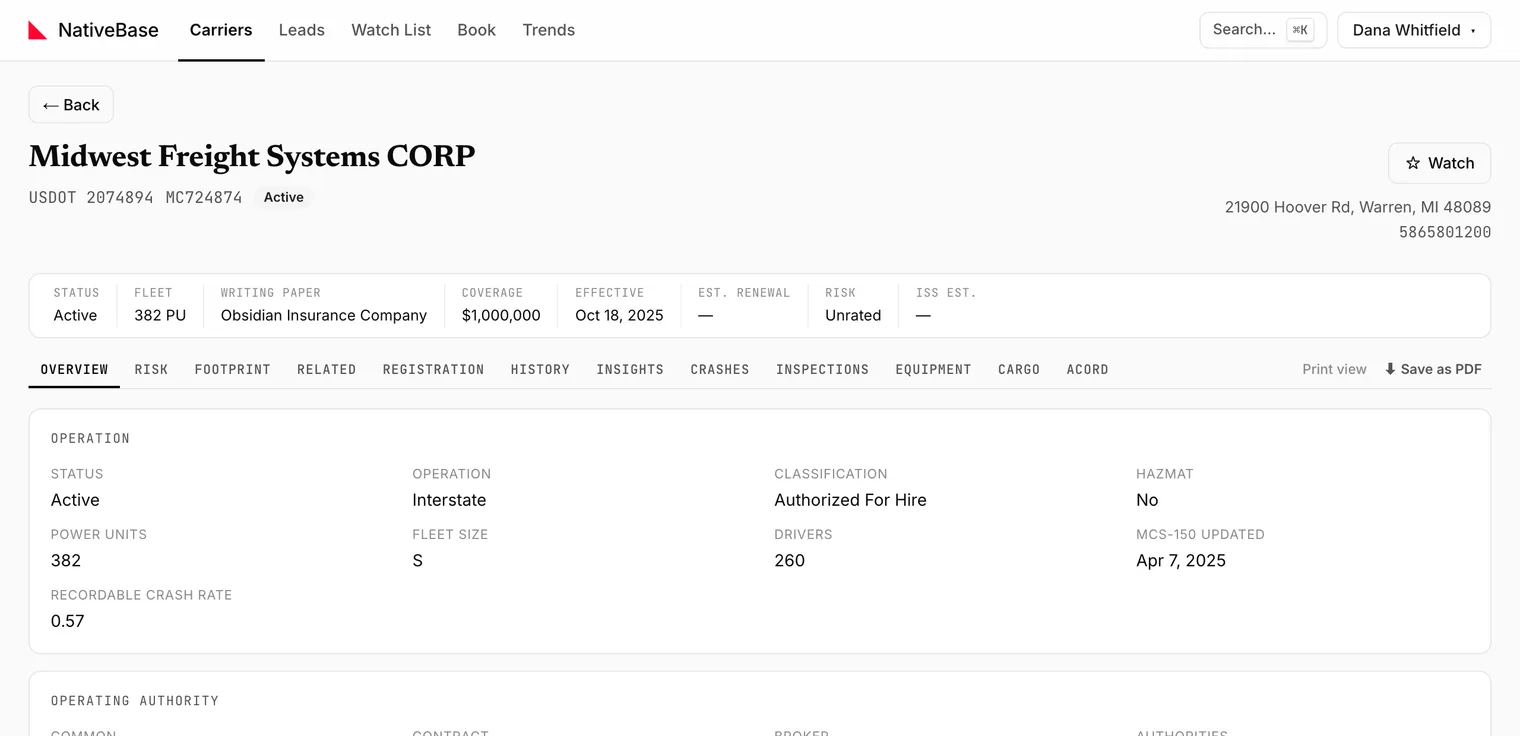
The ACORD tab of a Carrier File produces two documents from the carrier's federal record: a prefilled ACORD form, and a submission packet. Both download as PDFs.
#ACORD autofill
Open the ACORD tab and use the ACORD autofill card. Market Tracker fills what the public record supports: legal and DBA name, address, USDOT and MC numbers, power units and drivers, declared operating radius, cargo.
#What never prefills
Nothing that is not in the federal record. In practice that means you always finish by hand:
- loss history and prior carrier detail
- coverage limits and deductibles being requested
- driver schedules and MVR detail
- anything the insured told you rather than filed
Note
Treat the generated form as a starting draft with the rekeying already done, not as a completed submission. Check it before it goes out.
#Submission packet
The submission packet is a multi-page PDF assembled from the same record: the carrier's file as a document you can attach to an email or drop into a file.
#If generation fails
A failure shows:
Could not generate the ACORD form.
Retry first. It is usually a transient upstream source failure rather than a problem with the carrier. If it persists on one carrier but not others, that carrier's record is likely missing a field the form requires. See Troubleshooting.
#Outside the app
The same autofill exists publicly for one carrier at a time, without an account, as ACORD autofill from a DOT number. The in-app version is the one to use when you are already working the file.
For background on the forms themselves, the ACORD guides cover ACORD 126 and ACORD 140.
Last reviewed